





notices |
 |
In view of recent security concerns of unauthorised access and trading in Online Trading accounts by hackers in Japan and Malaysia, all clients are required to set up and login with 2FA to the web portal and mobile channel of our Online Trading system.
Upon your next Login via the web portal or mobile channel, you will be prompted to set up your 2FA.
SET UP VIA WEBSITE LOGIN
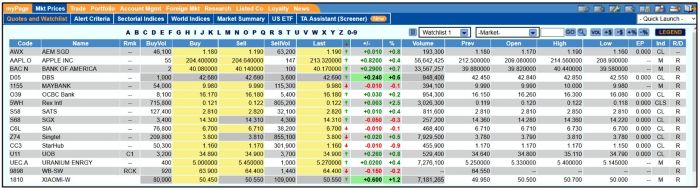
a) To setup for LTS SMS OTP, please login with your Login ID and Password.
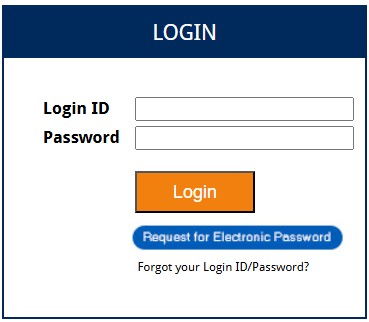
b) Upon login, there will be a 2FA Login pop-up. Click "Register" to continue.

c) Enter the last 8 digits of your mobile number provided to Lim & Tan Securities (LTS) to register for two-factor authentication (2FA). Click "GO" to proceed.
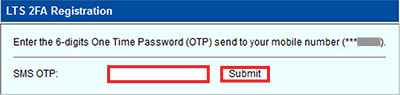
d) A 6-digit One-Time Password (OTP) via SMS will be sent to the mobile number you have registered with LTS. Enter the OTP and press "Submit" to complete your registration.
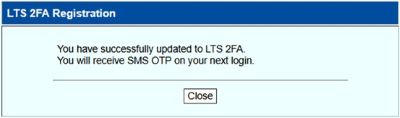
e) Upon successful 2FA onboarding after OTP verification, click "Close" to continue.
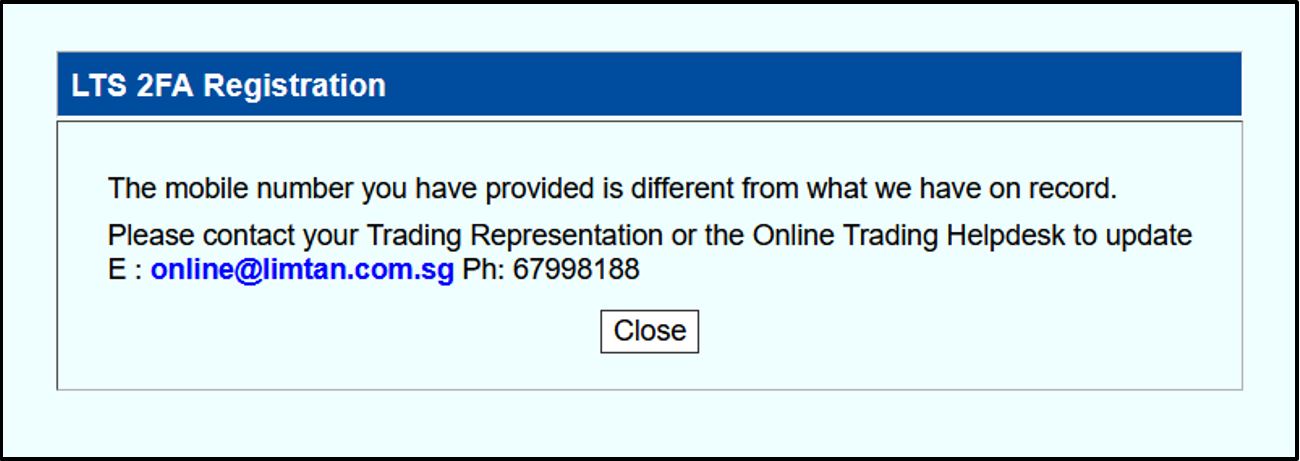
If the mobile number entered does not match with LTS records, you will see the following pop-up message. Please contact your Trading Representative or the Online Trading Helpdesk to update your mobile number.
SET UP VIA MOBILE CHANNEL
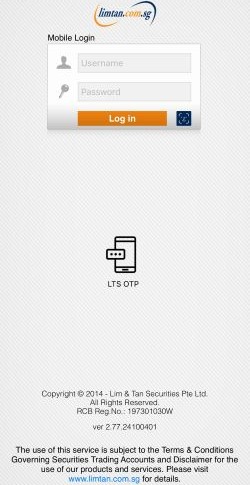
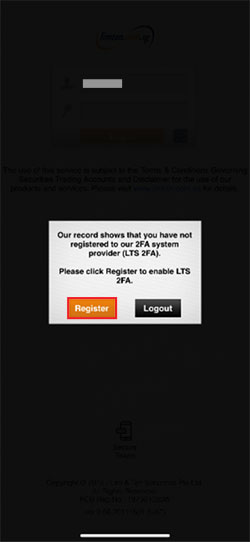
a) To setup for LTS SMS OTP, please login with your Login ID and Password. Click on the "Register" button to proceed.
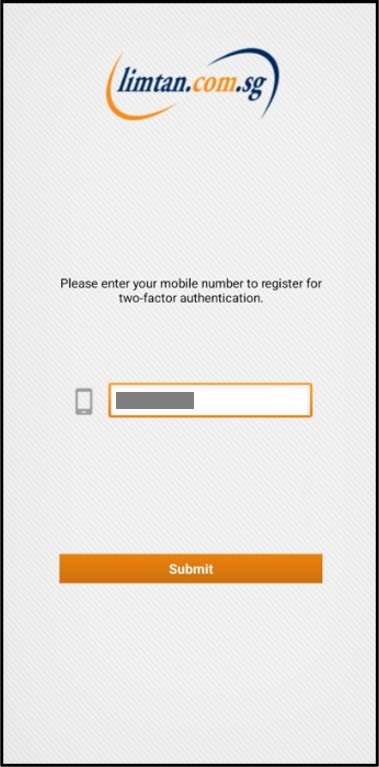
b) Enter the last 8 digits of your mobile number provided to Lim & Tan Securities (LTS) to register for two-factor authentication (2FA). Click "Submit" to proceed.
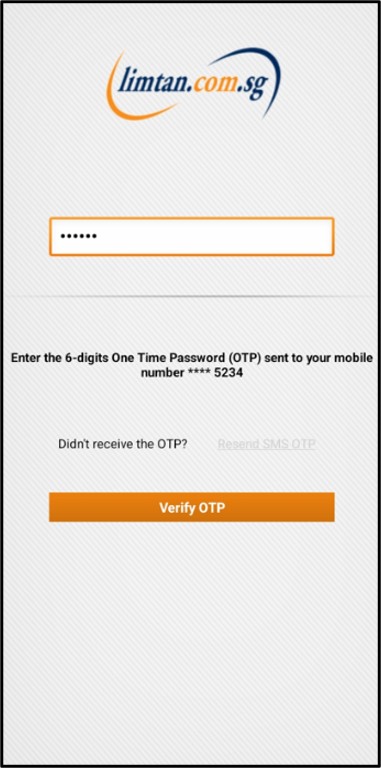
A 6-digit One-Time Password (OTP) via SMS will be sent to the mobile number you have registered with LTS. Enter the OTP and press "Verify OTP" to complete your registration.
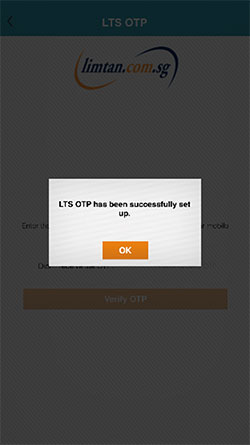
c) Upon successful 2FA onboarding after OTP verification, click "OK" to continue.
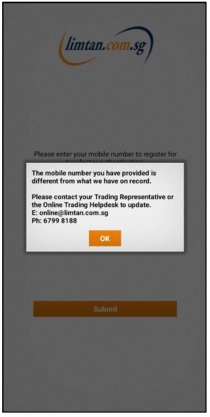
If the mobile number entered does not match with LTS records, you will see the following pop-up message. Please contact your Trading Representative or the Online Trading Helpdesk to update your mobile number.
If you have successfully activated 2FA and would like to update your mobile number, kindly go to "Personal Configurations" followed by "Configure Alert" via the web portal.

To learn more, you may refer to the 2FA FAQ by clicking here.

This advertisement has not been reviewed by the Monetary Authority of Singapore.